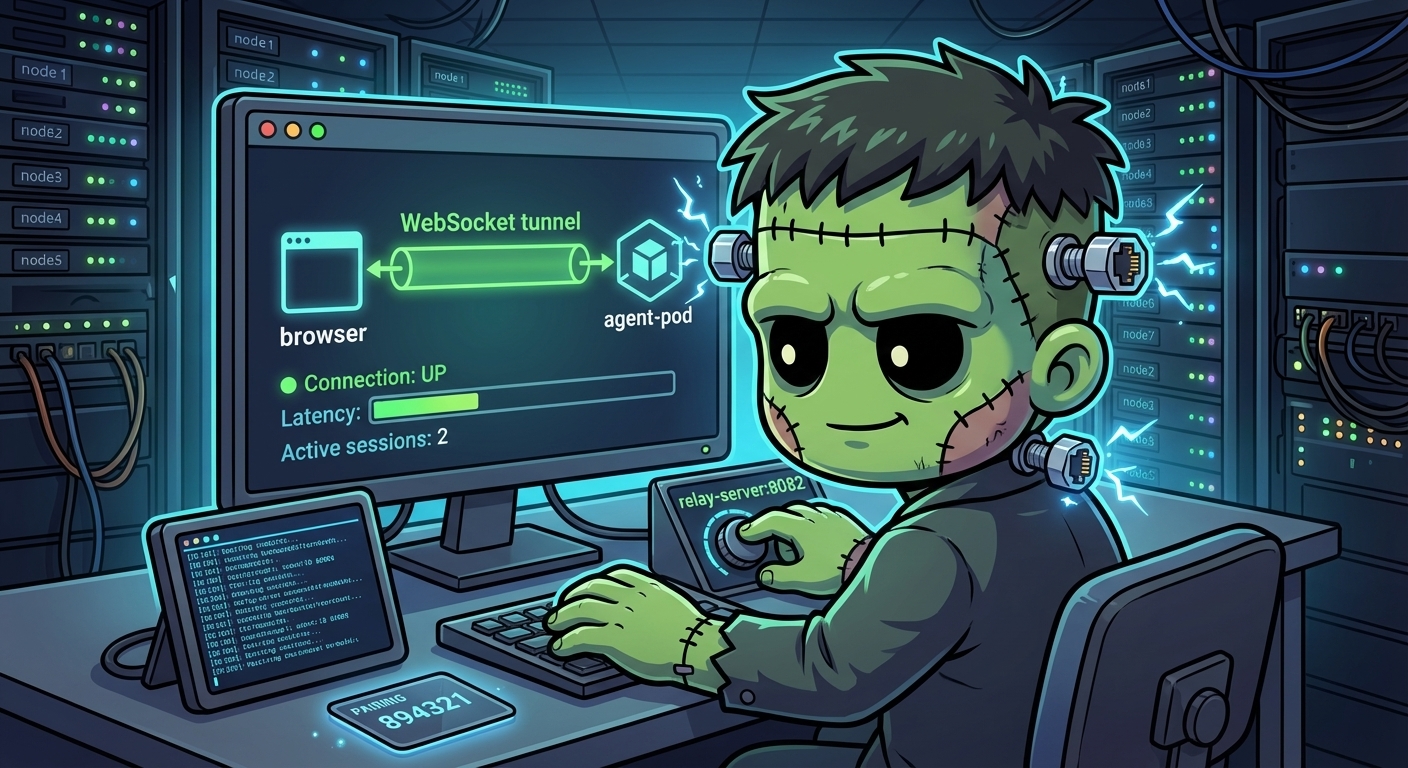
Operating on VK Relay
This is the operational companion to VK Relay — Tunneling the Browser to a Local Agent Server. That post explains the architecture and deployment. This one is the day-to-day runbook.
What “Healthy” Looks Like
A healthy VK relay setup has:
- The
vk-remotepod running with two containers:vk-remoteandrelay-server - Relay server listening on port 8082
- The
/v1/relay/path reachable through Traefik atvk.cluster.derio.net - The local VK server in the secure-agent-pod connected via WebSocket tunnel
- Browser paired and able to view workspace data through the remote UI
Observing State
Pod Health
# Verify both containers are running
kubectl -n agents get pods -l app=vk-remote -o wide

# Check container names (should list: vk-remote relay-server)
kubectl -n agents get pods -l app=vk-remote \
  -o jsonpath='{.items[0].spec.containers[*].name}'
Relay Server Logs
# Relay server logs
kubectl -n agents logs deploy/vk-remote -c relay-server --tail=20

# Follow relay logs (useful during pairing or debugging)
kubectl -n agents logs deploy/vk-remote -c relay-server -f
Expected healthy output includes: Relay server listening on 0.0.0.0:8082
Relay Endpoint Reachability
# Test relay endpoint through Traefik (expect 401 — JWT auth required)
curl -s -o /dev/null -w "%{http_code}" https://vk.cluster.derio.net/v1/relay/connect
A 401 means the relay is running and reachable — it’s rejecting the request because there’s no JWT token. A 404 means the IngressRoute isn’t routing correctly. A 502 means the relay container is down.
$ kubectl -n agents get pods -l app=vk-remote -o wide
NAME                         READY   STATUS    RESTARTS   AGE   IP             NODE     NOMINATED NODE   READINESS GATES
vk-remote-7949d8bb66-vpgpx   2/2     Running   0          21h   10.244.13.68   mini-2   <none>           <none>

$ curl -s -o /dev/null -w "relay status: %{http_code}
" https://vk.cluster.derio.net/v1/relay/connect
relay status: 401
Service Ports
# Verify both ports are exposed
kubectl -n agents get svc vk-remote
# Expected: 8081/TCP (http) and 8082/TCP (relay)
Common Operations
Restart the Relay
The relay is a sidecar in the vk-remote pod — restarting the pod restarts both containers:
kubectl -n agents rollout restart deploy/vk-remote
kubectl -n agents rollout status deploy/vk-remote
Re-Pairing
If the browser loses its IndexedDB data (cleared storage, new browser, new device), re-pair:
- Port-forward to the local VK server:
kubectl -n secure-agent-pod port-forward deploy/secure-agent-pod 8081:8081 - Open
http://localhost:8081→ Settings → Relay Settings → “Generate pairing code” - Open
https://vk.cluster.derio.net→ Settings → “Pair host” → enter code - Stop the port-forward — the relay handles everything from here
Check Local Server Relay Connection
# Check if the local VK server is connected to the relay
kubectl -n secure-agent-pod logs deploy/secure-agent-pod -c kali --tail=50 | grep -i relay
If the local server isn’t connecting, verify the env var is set:
kubectl -n secure-agent-pod exec deploy/secure-agent-pod -c kali -- \
  env | grep VK_SHARED_RELAY
# Expected: VK_SHARED_RELAY_API_BASE=https://vk.cluster.derio.net
Troubleshooting
Workspace Data Not Loading in Remote UI
Symptom: The remote UI at vk.cluster.derio.net shows workspaces but clicking into one shows no repos, sessions, or diffs.
Check: Is the relay tunnel established?
# Relay logs — look for active tunnel connections
kubectl -n agents logs deploy/vk-remote -c relay-server --tail=30
If no tunnel connections appear, the local VK server isn’t connecting. Check:
- The secure-agent-pod is running
VK_SHARED_RELAY_API_BASEenv var is set- Cilium egress policy allows outbound to
vk.cluster.derio.net
502 on Relay Path
Symptom: curl https://vk.cluster.derio.net/v1/relay/connect returns 502.
Cause: The relay-server container is not running or not ready.
# Check container status
kubectl -n agents describe pod -l app=vk-remote | grep -A5 relay-server

# Check for crash loops
kubectl -n agents logs deploy/vk-remote -c relay-server --previous
Pairing Code Rejected
Symptom: Entering the 6-digit pairing code in the remote UI fails.
Causes:
- Code expired (codes are short-lived — generate a fresh one)
- Browser and local server not on the same relay (verify both point to
vk.cluster.derio.net) - SPAKE2 mismatch — regenerate and try again
ArgoCD Sync
# Check vk-remote app status
argocd app get vk-remote --port-forward --port-forward-namespace argocd

# Force sync if needed
argocd app sync vk-remote --port-forward --port-forward-namespace argocd