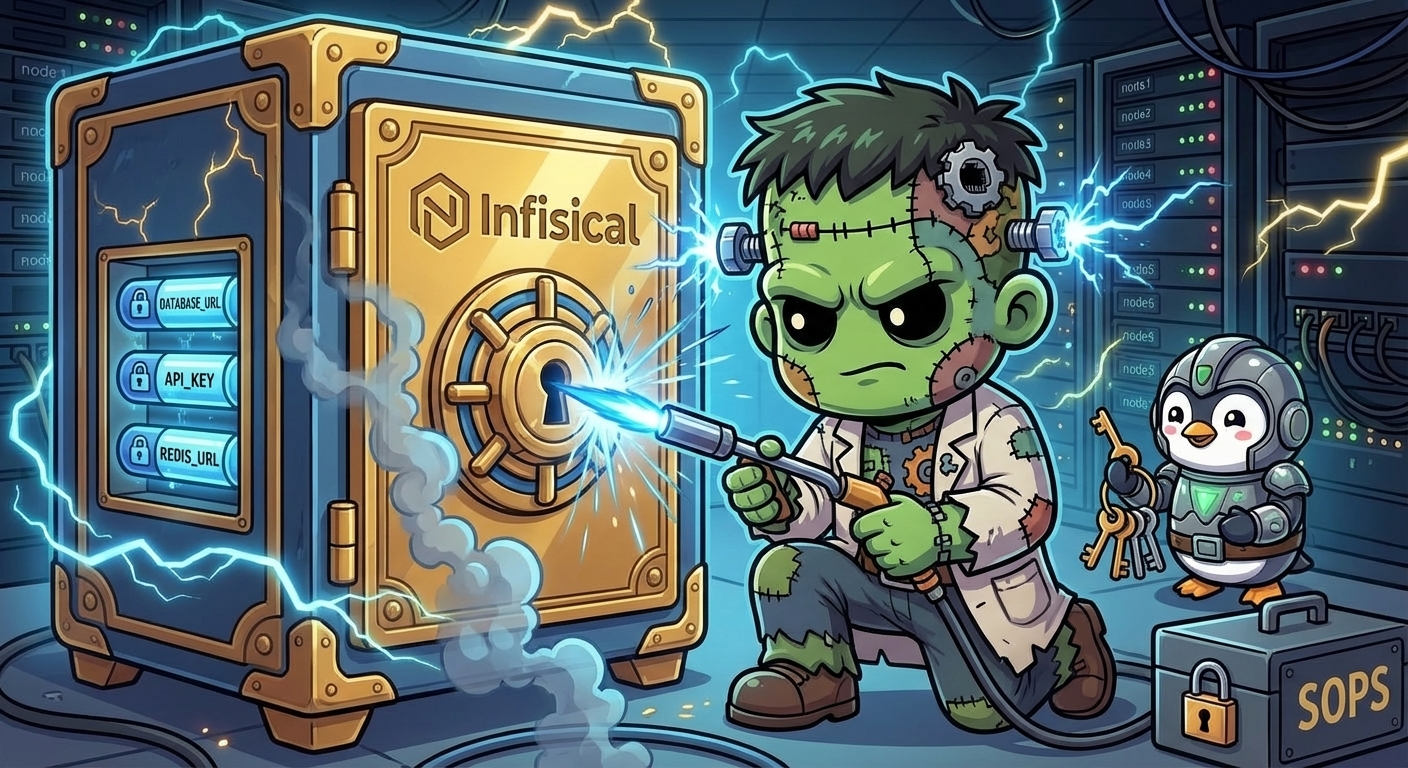
Operating on Secrets
This is the operational companion to Secrets Management – Infisical + External Secrets Operator. That post covers the architecture and deployment of Infisical + ESO. This one covers the commands you reach for when you need to add a secret, check sync status, or figure out why an application is not picking up a rotated credential.
Overview
Secrets on Frank flow through two layers:
Runtime secrets live in Infisical (192.168.55.204:8080). Applications never touch them directly. External Secrets Operator watches ExternalSecret resources, fetches values from Infisical via the ClusterSecretStore, and materializes them as native Kubernetes Secrets. The refresh interval (typically 5 minutes) controls how quickly changes propagate.
Bootstrap secrets are the credentials that Infisical and ESO themselves need to start – database passwords, Redis passwords, Machine Identity credentials. These are SOPS-encrypted with age, stored in secrets/, and applied manually with sops --decrypt | kubectl apply -f -. They exist outside ArgoCD because ArgoCD cannot decrypt SOPS secrets during ServerSideApply.
The rule is simple: if a secret is needed before Infisical is running, it is a SOPS bootstrap secret. Everything else goes into Infisical.
Observing State
ESO Sync Status
The first thing to check is whether ESO is successfully syncing secrets from Infisical:
kubectl get externalsecrets -AEvery ExternalSecret should show STATUS: SecretSynced and READY: True. If any show SecretSyncedError or False, something is broken between ESO and Infisical.
$ kubectl get externalsecrets -A
NAMESPACE          NAME                       STORETYPE            STORE       REFRESH INTERVAL   STATUS         READY
agents             vk-remote-secrets          ClusterSecretStore   infisical   5m                 SecretSynced   True
gitea              gitea-secrets              ClusterSecretStore   infisical   5m                 SecretSynced   True
litellm            litellm-api-keys           ClusterSecretStore   infisical   5m                 SecretSynced   True
monitoring         grafana-alerting-secrets   ClusterSecretStore   infisical   5m                 SecretSynced   True
monitoring         health-bridge-secrets      ClusterSecretStore   infisical   5m                 SecretSynced   True
paperclip-system   paperclip-anthropic        ClusterSecretStore   infisical   5m                 SecretSynced   True
paperclip-system   paperclip-auth             ClusterSecretStore   infisical   5m                 SecretSynced   True
paperclip-system   paperclip-ghcr             ClusterSecretStore   infisical   5m                 SecretSynced   True
paperclip-system   paperclip-llm-key          ClusterSecretStore   infisical   5m                 SecretSynced   True
secure-agent-pod   agent-secrets-tier2        ClusterSecretStore   infisical   5m                 SecretSynced   True
sympozium-system   sympozium-llm-key          ClusterSecretStore   infisical   5m                 SecretSynced   True
tekton-pipelines   cosign-key                 ClusterSecretStore   infisical   5m                 SecretSynced   True
tekton-pipelines   gitea-api-token            ClusterSecretStore   infisical   5m                 SecretSynced   True
tekton-pipelines   gitea-webhook-secret       ClusterSecretStore   infisical   5m                 SecretSynced   True
tekton-pipelines   zot-push-creds             ClusterSecretStore   infisical   5m                 SecretSynced   True
zot                zot-secrets                ClusterSecretStore   infisical   5m                 SecretSynced   True
To inspect a specific ExternalSecret in detail:
kubectl describe externalsecret <name> -n <namespace>The Events section at the bottom will show the most recent sync attempts and any error messages.
ClusterSecretStore Health
The ClusterSecretStore is the single connection point between ESO and Infisical. If it is unhealthy, no secrets sync:
kubectl get clustersecretstoreYou want READY: True and STATUS: Valid. If the store shows SecretStoreError, the Infisical API is unreachable or the Machine Identity credentials are wrong.
For more detail:
kubectl describe clustersecretstore infisicalInfisical UI
The Infisical dashboard at http://192.168.55.204:8080 shows all secrets in the frank-cluster project, organized by environment. The audit log (under Project Settings) records who changed what and when. This is the fastest way to verify a secret’s current value or check rotation history.
Routine Operations
Adding a New Secret
- Go to the Infisical UI, navigate to the
frank-clusterproject,prodenvironment - Add the key-value pair
- Create an
ExternalSecretmanifest in the consuming app’s manifests directory:
apiVersion: external-secrets.io/v1
kind: ExternalSecret
metadata:
  name: my-app-secrets
  namespace: my-app
spec:
  refreshInterval: 5m
  secretStoreRef:
    name: infisical
    kind: ClusterSecretStore
  target:
    name: my-app-secrets
  data:
    - secretKey: MY_SECRET_KEY
      remoteRef:
key: MY_SECRET_KEY- Commit and push – ArgoCD syncs the ExternalSecret, ESO fetches the value from Infisical
Rotating a Secret
Update the value in the Infisical UI. ESO picks up the change on the next refresh cycle. If the consuming pod reads secrets from environment variables (not files), it needs a restart to see the new value:
kubectl rollout restart deployment/<app> -n <namespace>If you cannot wait for the refresh interval, force an immediate sync:
kubectl annotate externalsecret <name> -n <namespace> \
  force-sync=$(date +%s) --overwrite
Applying SOPS Bootstrap Secrets
Bootstrap secrets are applied manually whenever they change or after a fresh cluster build:
sops --decrypt secrets/infisical/infisical-secrets.yaml | kubectl apply -f -
sops --decrypt secrets/infisical/eso-credentials.yaml | kubectl apply -f -
To verify a SOPS-encrypted file decrypts correctly without applying it:
sops --decrypt secrets/infisical/infisical-secrets.yamlDebugging
ESO Sync Failed
If an ExternalSecret shows SecretSyncedError:
Check the ClusterSecretStore – if it is unhealthy, all syncs fail:
kubectl get clustersecretstore
kubectl describe clustersecretstore infisical
Check the ESO controller logs for API errors:
kubectl logs -n external-secrets deployment/external-secrets --tail=50Verify Infisical is reachable from the cluster:
kubectl run curl-test --rm -it --image=curlimages/curl -- \
  curl -s http://192.168.55.204:8080/api/status
Check the Machine Identity credentials – the
infisical-credentialsSecret in theexternal-secretsnamespace must contain validclientIdandclientSecretvalues:kubectl get secret infisical-credentials -n external-secrets -o yaml
Secret Not Updating After Rotation
If you changed a value in Infisical but the Kubernetes Secret still has the old value:
Check the refresh interval on the ExternalSecret – the default is 5 minutes:
kubectl get externalsecret <name> -n <namespace> -o yaml | grep refreshIntervalForce a sync to rule out timing:
kubectl annotate externalsecret <name> -n <namespace> \
  force-sync=$(date +%s) --overwrite
Check whether the pod needs a restart – environment variables are read at startup, not live-reloaded:
kubectl rollout restart deployment/<app> -n <namespace>
SOPS Decrypt Errors
If sops --decrypt fails with an age-related error:
Check that the age key is available – SOPS looks for the key in
$SOPS_AGE_KEY_FILEor~/.config/sops/age/keys.txt:echo $SOPS_AGE_KEY_FILE ls -la ~/.config/sops/age/keys.txtVerify the
.sops.yamlconfig points to the correct age public key:cat .sops.yamlCheck that the file was encrypted for the right key – the age recipient in the file header must match your key:
head -5 secrets/infisical/infisical-secrets.yaml
Project Slug Issues
If the ClusterSecretStore returns 404 errors, the project slug is likely wrong. Infisical auto-generates slugs that differ from the project display name. The slug for frank-cluster is frank-cluster-iwpg.
To find the correct slug: open the Infisical UI, go to Project Settings, and check the General tab. The slug is displayed there. Update apps/infisical/manifests/cluster-secret-store.yaml with the correct value.
Quick Reference
| Command | What It Does |
|---|---|
kubectl get externalsecrets -A | Show all ExternalSecrets and their sync status |
kubectl describe externalsecret <name> -n <ns> | Detailed sync status with events |
kubectl get clustersecretstore | ClusterSecretStore health check |
kubectl describe clustersecretstore infisical | Detailed store status and errors |
kubectl annotate es <name> -n <ns> force-sync=$(date +%s) --overwrite | Force immediate ESO sync |
kubectl rollout restart deployment/<app> -n <ns> | Restart pods to pick up rotated secrets |
kubectl logs -n external-secrets deployment/external-secrets --tail=50 | ESO controller logs |
sops --decrypt <file> | kubectl apply -f - | Apply a SOPS-encrypted bootstrap secret |
sops --decrypt <file> | Verify SOPS decryption without applying |
References
- Infisical Documentation – Self-hosted setup, Machine Identities, audit logs
- External Secrets Operator Documentation – ClusterSecretStore, ExternalSecret v1 API
- ESO Infisical Provider – Provider-specific configuration and auth
- SOPS Documentation – age encryption,
.sops.yamlconfiguration - Secrets Management – Infisical + ESO – Building post covering architecture and deployment