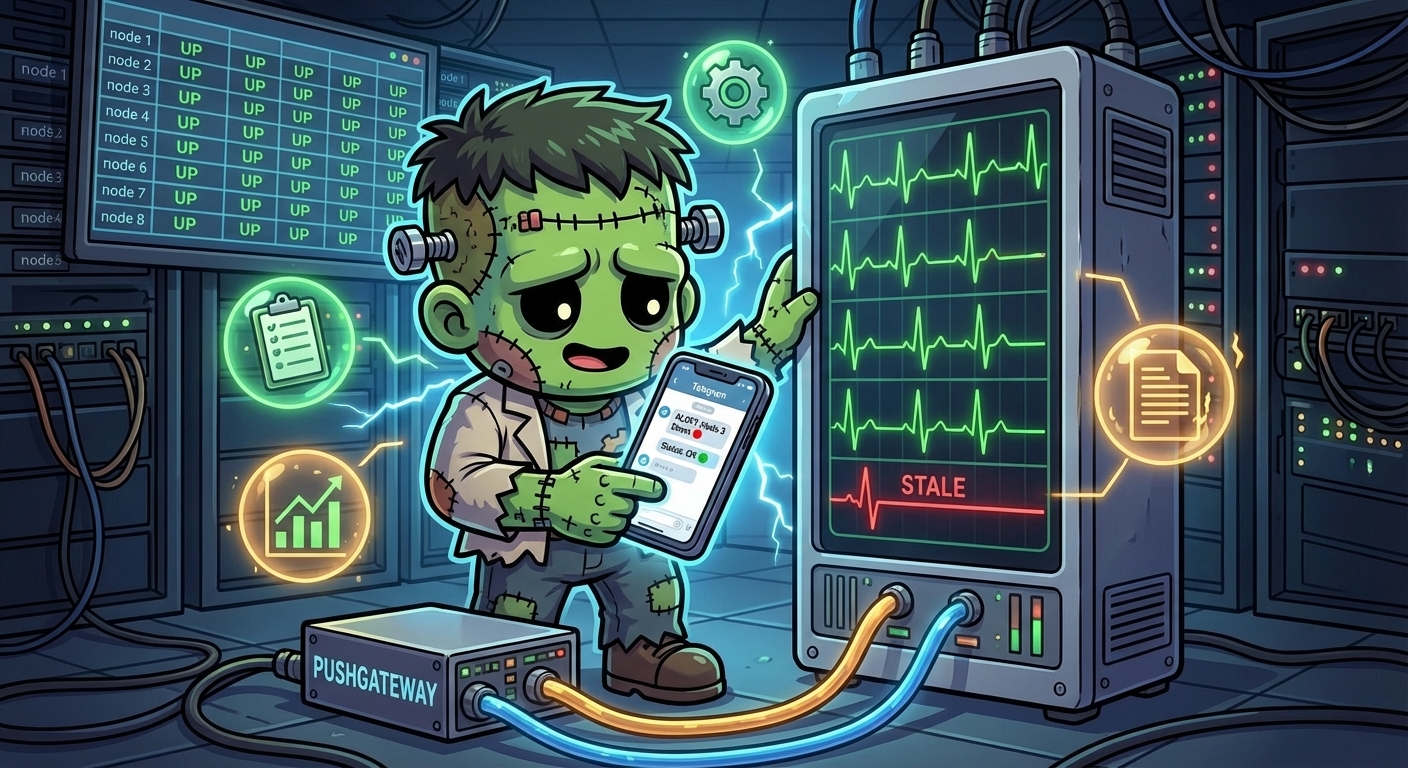
Health Monitoring — Feature Probes, Heartbeats, and Telegram Alerts
The observability layer gave Frank cluster-wide metrics and logs. But knowing that nodes are healthy and pods are running is not the same as knowing that features are working. A cron job can be Running with 0 restarts and still have silently stopped doing its actual job three hours ago.
This post adds feature-level health monitoring: probing HTTP endpoints, collecting heartbeat metrics from cron scripts, and routing alerts to Telegram when things go quiet.
The Problem
Frank runs several user-facing features — n8n workflows, Paperclip agents, a public blog, Grafana dashboards. Each has its own failure modes:
- An HTTP service can return 500s while the pod stays Running
- A cron job can fail silently if no one checks the logs
- An agent pod can be evicted and never rescheduled
Kubernetes liveness probes handle the first case at the container level. But they don’t tell you whether the service is reachable from outside, or whether a scheduled task actually completed. For that, you need application-level health probes and heartbeat tracking.
Architecture
Two new components join the monitoring namespace alongside VictoriaMetrics and Grafana:
| Component | Role | How It Works |
|---|---|---|
| Blackbox Exporter | HTTP endpoint probing | Receives probe requests from VictoriaMetrics via VMProbe CR, tests HTTP endpoints, reports probe_success |
| Pushgateway | Heartbeat metric ingestion | Cron scripts push willikins_heartbeat_last_success_timestamp after each successful run |
VictoriaMetrics scrapes both. Grafana alert rules watch for stale heartbeats and failed probes. Alerts route to a Telegram bot via Grafana’s native contact point integration.
Cron scripts ──push──▶ Pushgateway ◀──scrape── VictoriaMetrics
                                                       │
Endpoints ◀──probe── Blackbox Exporter ◀──scrape───────┘
                                                       │
                                               Grafana Alerting
                                                       │
                                                   Telegram
Deploying Blackbox Exporter
Blackbox Exporter is a Prometheus-ecosystem tool that probes endpoints on demand. It doesn’t scrape anything itself — VictoriaMetrics sends it a target URL, it makes the request, and reports the result as metrics.
Three files in apps/blackbox-exporter/manifests/:
ConfigMap defines the probe modules:
modules:
  http_2xx:
    prober: http
    timeout: 10s
    http:
      valid_http_versions: ["HTTP/1.1", "HTTP/2.0"]
      valid_status_codes: [200, 301, 302]
      follow_redirects: true
  http_2xx_no_redirect:
    prober: http
    timeout: 10s
    http:
      valid_status_codes: [200]
      follow_redirects: false
  tcp_connect:
    prober: tcp
    timeout: 5s
VMProbe tells VictoriaMetrics which endpoints to probe:
apiVersion: operator.victoriametrics.com/v1beta1
kind: VMProbe
metadata:
  name: feature-health-probes
  namespace: monitoring
spec:
  targets:
    staticConfig:
      targets:
        - http://n8n-01.n8n-01.svc.cluster.local:5678
        - https://paperclip.frank.derio.net
        - https://grafana.frank.derio.net
        - https://blog.derio.net
      labels:
        probe_group: feature_health
  module: http_2xx
  vmProberSpec:
    url: blackbox-exporter.monitoring.svc:9115
The probe_group: feature_health label lets Grafana alert rules and dashboard panels filter to just these probes.
$ kubectl -n monitoring exec deploy/blackbox-exporter -- wget -qO- "http://localhost:9115/probe?target=http://n8n-01.n8n-01.svc.cluster.local:5678&module=http_2xx" 2>&1 | grep -E "^probe_" | head -15
probe_dns_lookup_time_seconds 0.003983567
probe_duration_seconds 0.008721478
probe_failed_due_to_regex 0
probe_http_content_length 15316
probe_http_duration_seconds{phase="connect"} 0.000614314
probe_http_duration_seconds{phase="processing"} 0.003136842
probe_http_duration_seconds{phase="resolve"} 0.003983567
probe_http_duration_seconds{phase="tls"} 0
probe_http_duration_seconds{phase="transfer"} 0.000583172
probe_http_last_modified_timestamp_seconds 1.774818437e+09
probe_http_redirects 0
probe_http_ssl 0
probe_http_status_code 200
probe_http_uncompressed_body_length 15316
probe_http_version 1.1
Deploying Pushgateway
Pushgateway accepts pushed metrics over HTTP and holds them until VictoriaMetrics scrapes. Cron scripts call it after each successful run:
# Inside a cron script (exercise-cron.sh, session-manager.sh, etc.)
echo "willikins_heartbeat_last_success_timestamp $(date +%s)" | \
  curl -s --data-binary @- \
  http://pushgateway.monitoring.svc.cluster.local:9091/metrics/job/exercise_reminder
The VMServiceScrape uses honorLabels: true — this preserves the job label from the pushed metric rather than overwriting it with the scrape job name. Without this, every heartbeat metric would have job="pushgateway" and you couldn’t tell which cron it came from.
$ kubectl -n monitoring exec deploy/pushgateway -- wget -qO- http://localhost:9091/metrics 2>&1 | grep willikins_heartbeat | head -20
# HELP willikins_heartbeat_last_success_timestamp Unix timestamp of last successful run
# TYPE willikins_heartbeat_last_success_timestamp gauge
willikins_heartbeat_last_success_timestamp{instance="",job="audit_digest"} 1.7766324e+09
willikins_heartbeat_last_success_timestamp{instance="",job="session_manager"} 1.776714e+09
willikins_heartbeat_last_success_timestamp{instance="",job="test_probe"} 1.775328764e+09
willikins_heartbeat_last_success_timestamp{instance="",job="vk_issue_bridge"} 1.776714006e+09
Grafana Alert Rules
Five alert rules in the “Feature Health” folder, all created via the Grafana provisioning API:
| Rule | Query | Threshold | Severity |
|---|---|---|---|
| Exercise Reminder Stale | time() - willikins_heartbeat_last_success_timestamp{job="exercise_reminder"} | > 10800s (3h) | critical |
| Session Manager Stale | time() - willikins_heartbeat_last_success_timestamp{job="session_manager"} | > 600s (10m) | critical |
| Audit Digest Stale | time() - willikins_heartbeat_last_success_timestamp{job="audit_digest"} | > 93600s (26h) | warning |
| Endpoint Down | probe_success{probe_group="feature_health"} | < 1 | critical |
| Agent Pod Not Running | kube_pod_status_phase{namespace="secure-agent-pod", phase="Running"} | < 1 | critical |
Grafana 12.x SSE Format
The biggest gotcha: Grafana 12.x uses Server-Side Expressions (SSE) that require a specific three-step format for alert rules. The classic condition format (datasourceUid: "-100") that older tutorials show no longer works.
Each rule needs three data entries:
- RefId A — the datasource query (VictoriaMetrics)
- RefId B — a reduce expression (
datasourceUid: "__expr__", type: reduce, reducer: last) - RefId C — a threshold expression (
datasourceUid: "__expr__", type: threshold, referencing B)
Without step B (the reduce), Grafana throws [sse.parseError] failed to parse expression [C]: no variable specified to reference for refId C. Not the most helpful error message.
Telegram Notifications
Grafana’s native Telegram contact point integration works well once configured. The contact point stores the bot token and chat ID, and the notification policy routes based on alert severity labels.
group_wait: 30s
group_interval: 3m
repeat_interval: 3m

Routes:
  severity=critical → Telegram - Willikins (continue: true)
  severity=warning  → Telegram - Willikins
One operational gotcha: if a contact point is re-provisioned (e.g., bot token updated), Grafana’s alertmanager still considers previously-fired alerts as “already notified” for the default 4-hour repeat interval. The fix is to restart the Grafana pod to reset the internal notification dedup state.
The Feature Health Dashboard
The dashboard at /d/fh-overview/feature-health has four panels:
| Panel | Type | What It Shows |
|---|---|---|
| Feature Health Alerts | Alert list | Firing/pending/NoData alerts from the Feature Health folder |
| Cron Job Heartbeats | Table | Minutes since last successful run per cron job |
| Endpoint Probes | Table | UP/DOWN status for each monitored endpoint |
| Pod Status | Table | Running pods across secure-agent-pod, n8n-01, paperclip-system |
Why Not ALERTS{}?
The original plan called for a stat panel querying ALERTS{alertstate="firing"}. This works in Prometheus-native setups where Prometheus evaluates alert rules and writes the ALERTS{} time series. But Grafana-managed alerts are evaluated internally by Grafana — they never touch VictoriaMetrics. The ALERTS{} metric simply does not exist in the datasource.
The fix: use Grafana’s native alertlist panel type, which reads directly from the internal alert state.
VictoriaMetrics Operator Webhook TLS
A non-obvious issue: the VictoriaMetrics Helm chart uses genCA to generate a self-signed CA for webhook certificates. Every time ArgoCD renders the chart, genCA produces a new CA keypair. This overwrites the caBundle field in the ValidatingWebhookConfiguration, but the operator continues serving the old cert from its Secret — a different CA entirely.
The result: x509: certificate signed by unknown authority on every VMProbe and VMServiceScrape submission.
The permanent fix is an ignoreDifferences entry in the ArgoCD Application:
ignoreDifferences:
  - group: admissionregistration.k8s.io
    kind: ValidatingWebhookConfiguration
    jqPathExpressions:
      - .webhooks[].clientConfig.caBundle
This tells ArgoCD to leave the caBundle alone and let the operator manage its own cert lifecycle.
Verification
All four endpoint probes returning probe_success 1:
http://n8n-01.n8n-01.svc.cluster.local:5678  → UP
https://blog.derio.net                         → UP
https://grafana.frank.derio.net                → UP
https://paperclip.frank.derio.net              → UP
Heartbeat stale alert firing and reaching Telegram within the configured threshold. Agent Pod Not Running alert in Normal state. Dashboard panels displaying live data.
What’s Next
This is M2 of the Work Lifecycle Tracking design — the infrastructure side. The companion M1 plan (on the Willikins repo) covers the cron scripts that push heartbeat metrics, the GitHub Projects board integration, and the issue lifecycle state machine. Together, they close the loop: features are not just deployed, but actively monitored, and failures trigger immediate notification.