Workflow Automation with n8n
The cluster can reason (Layer 11), orchestrate (Layer 15), and generate media (Layer 16). But most real work isn’t a single model call — it’s a chain of steps: fetch data from an API, transform it, call an LLM, post the result somewhere, repeat on a schedule. That’s workflow automation.
n8n is an open-source workflow automation platform with 400+ integrations, a visual node editor, and a webhook system that makes it easy to chain services together. It runs as a single Node.js process backed by PostgreSQL, which makes it a natural fit for the cluster — no special infrastructure, just a Deployment and a database.
Why Per-User Instances?
n8n’s Community Edition doesn’t support multi-user accounts with workflow isolation. SSO (OIDC/SAML) is also enterprise-only, gated behind a $400/month license. If two people need their own workflows and credentials, they need separate n8n instances.
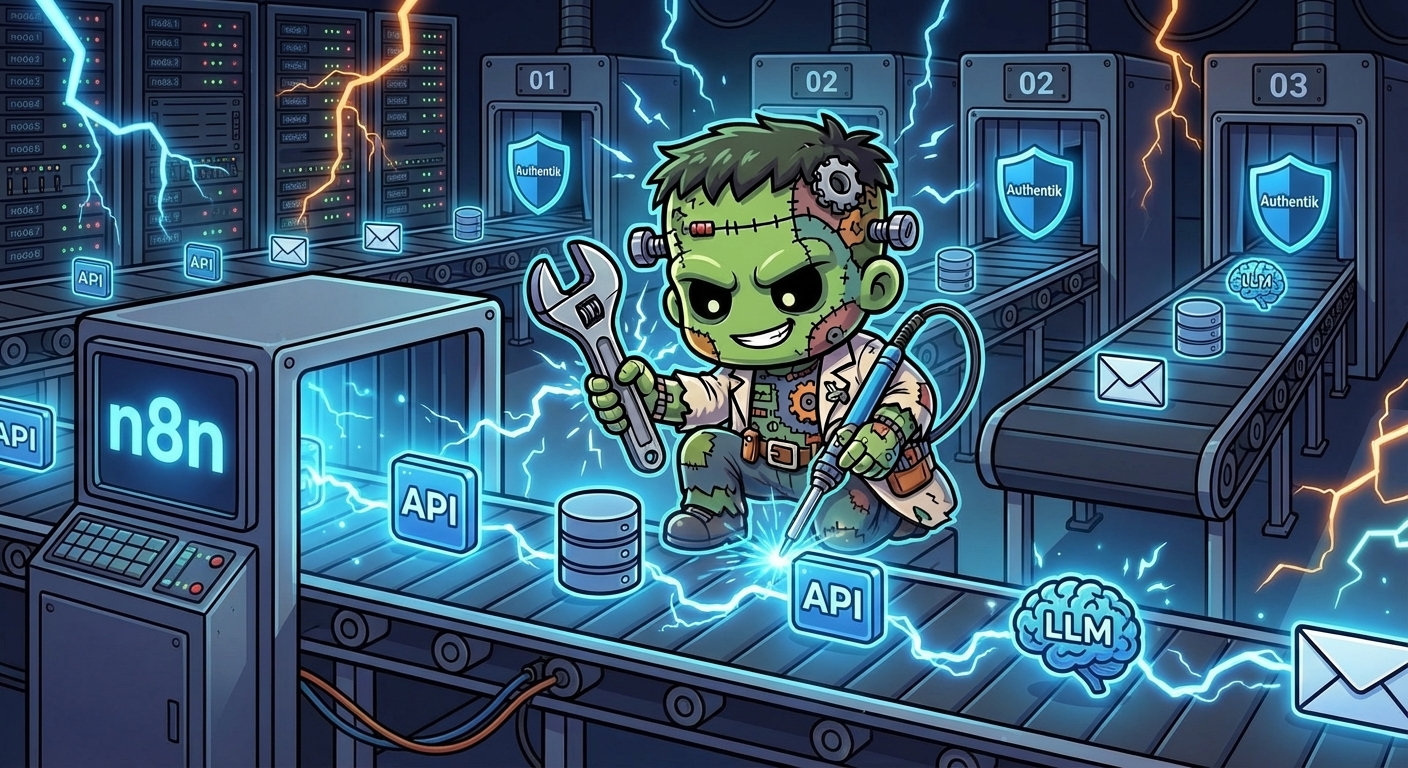
The pattern is simple: n8n-01, n8n-02, n8n-03 — each with its own namespace, PostgreSQL, PVC, and LoadBalancer IP. Adding a new instance is a find-replace operation across ~6 files.
Why gpu-1?
Not for the GPU. gpu-1 has an i9 and 128GB of RAM — most of which sits idle while Ollama and ComfyUI take turns with the RTX 5070. n8n doesn’t need a GPU; it needs CPU and memory for running workflow executions, and gpu-1 has plenty of both.
The pod tolerates the nvidia.com/gpu NoSchedule taint but doesn’t request a GPU resource, so it coexists peacefully with the GPU workloads.
Architecture
Authentik (forward-auth proxy)
  │
  ▼
n8n-01 Service (LB 192.168.55.216:5678)
  │
  ▼
n8n-01 Deployment (gpu-1, 1 replica, Recreate)
  ├── PVC: n8n-01-data (10Gi Longhorn, /home/node/.n8n)
  └── env: DB connection, metrics, webhook URL, encryption key
        │
        ▼
n8n-01-postgresql (Bitnami chart, 5Gi Longhorn)
  └── auth from SOPS secret: n8n-01-secrets
Two ArgoCD apps share the n8n-01 namespace:
| Component | Type | Purpose |
|---|---|---|
n8n-01 | Raw manifests | Deployment, Service (LB), PVC |
n8n-01-postgresql | Bitnami Helm chart | Standalone PostgreSQL with Longhorn storage |
Authentication: The OIDC Detour
The original plan was to wire n8n up with Authentik OIDC — the same pattern used for Grafana, ArgoCD, and Infisical. Then I discovered that n8n Community Edition gates OIDC behind its enterprise license.
A community project (n8n-oidc) injects OIDC via n8n’s external hooks system. But after checking the repository — no commits in three months, open “doesn’t work” issues with zero maintainer response, no tagged releases — I ruled it out.
The solution: Authentik forward-auth proxy, the same pattern already protecting Longhorn, Hubble, and Sympozium. Authentik verifies identity at the network level before requests reach n8n. n8n’s built-in auth handles the rest — the owner account is created via the browser setup wizard on first access.
A blueprint ConfigMap in authentik-extras registers the proxy provider:
# In blueprints-proxy-providers.yaml
- model: authentik_providers_proxy.proxyprovider
  state: present
  identifiers:
    name: n8n-01
  attrs:
    mode: forward_single
    external_host: https://n8n-01.frank.derio.net
The Init Container That Wasn’t
The plan included an init container to bootstrap the admin account via n8n user:create. Community forums suggested this would auto-provision the owner on first deploy, avoiding the manual setup wizard.
It didn’t work. n8n Community Edition 2.13.4 has no user:create CLI command — it simply doesn’t exist. The || true safety net kept the pod from crash-looping, but the admin account was never created.
The fix was accepting reality: remove the init container, let n8n show its setup wizard on first access. For a homelab with one owner per instance, this is a one-time click.
Secrets and Encryption
Three values live in the SOPS-encrypted secret secrets/n8n-01/n8n-01-secrets.yaml:
| Key | Purpose |
|---|---|
postgres-password | PostgreSQL admin password |
password | PostgreSQL n8n user password |
encryption-key | n8n credential encryption key |
The encryption-key is critical. n8n uses it to encrypt stored API credentials in the database. Without it set explicitly, n8n auto-generates one and stores it on the filesystem. If the PVC is ever lost, all stored credentials become unrecoverable. Setting N8N_ENCRYPTION_KEY via the Secret ensures recoverability.
Metrics
n8n exposes Prometheus metrics at /metrics when N8N_METRICS=true. The pod template carries standard Prometheus annotations:
annotations:
  prometheus.io/scrape: "true"
  prometheus.io/port: "5678"
  prometheus.io/path: "/metrics"
VMAgent auto-discovers these and scrapes workflow execution counts, durations, error rates, and queue depth into VictoriaMetrics. Visible in Grafana at 192.168.55.203.
What’s Running
After ArgoCD syncs and the SOPS secret is applied:
- n8n-01 pod runs on gpu-1, accessible at
http://192.168.55.216:5678 - n8n-01-postgresql provides the backing database in the same namespace
- 10Gi PVC preserves binary data, file uploads, and custom nodes across restarts
- Prometheus metrics feed into the existing VictoriaMetrics → Grafana pipeline
Adding More Instances
The duplication guide from the spec:
- Copy
apps/n8n-01/→apps/n8n-<NN>/, find-replacen8n-01→n8n-<NN> - Copy
apps/n8n-01-postgresql/→apps/n8n-<NN>-postgresql/, find-replace - Copy the 3 Application CR templates (
ns-,n8n-,n8n-*-postgresql), find-replace - Pick next available IP from
192.168.55.2xxrange - Add proxy provider + application entries to
blueprints-proxy-providers.yaml - Create and encrypt
secrets/n8n-<NN>-secrets.yaml - Apply SOPS secret, commit, push — ArgoCD syncs
Gotchas
- n8n OIDC is enterprise-only — Community Edition requires forward-auth or similar proxy for SSO
user:createCLI doesn’t exist — owner account must be created via the browser setup wizardN8N_SECURE_COOKIE=falserequired when accessing over plain HTTP — remove once TLS is in placeN8N_ENCRYPTION_KEYmust be explicit — auto-generated keys are lost if the PVC is lost- Recreate strategy is mandatory — the RWO PVC deadlocks with RollingUpdate