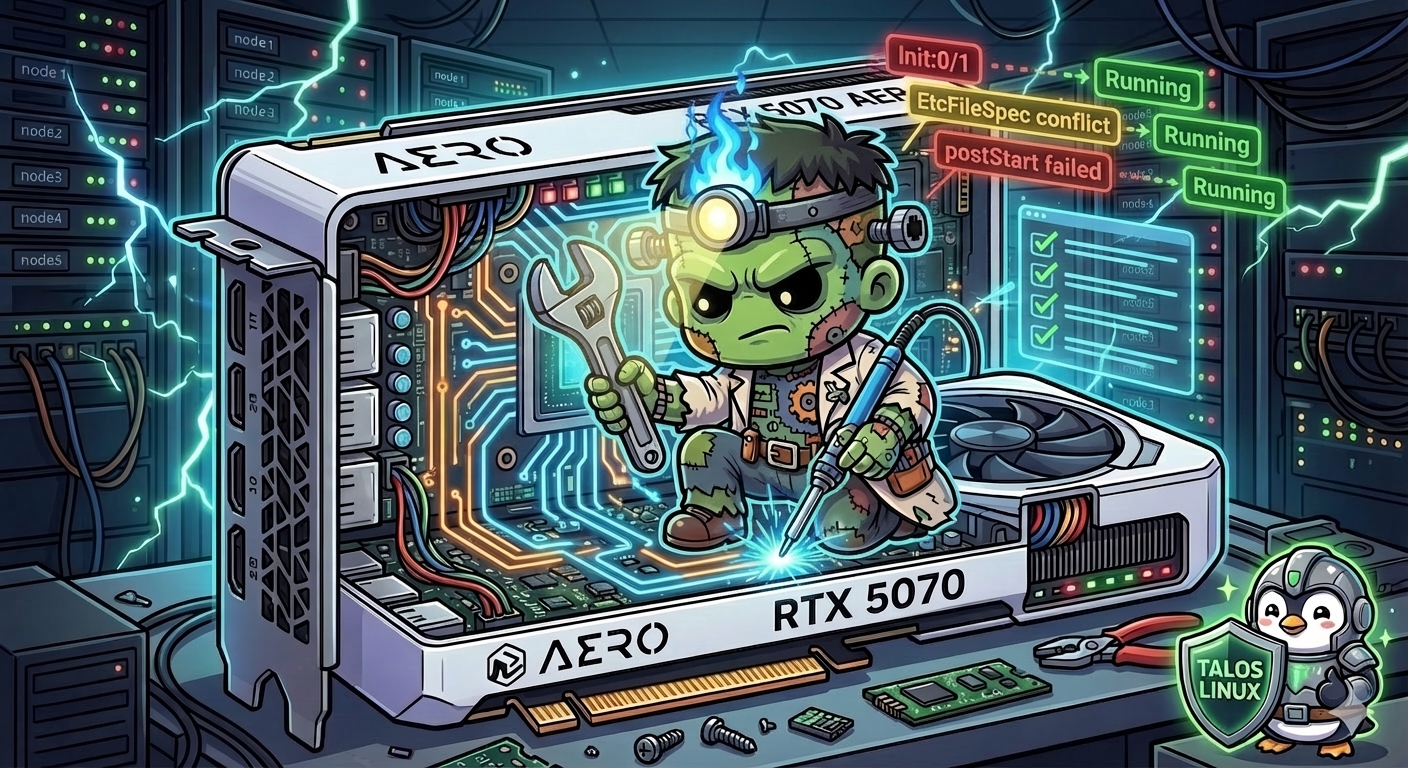
GPU Containers on Talos — The Validation Fix
Layer 4 deployed the NVIDIA GPU Operator. Layer 10 deployed Ollama. But between “operator deployed” and “model running at 100% GPU” lay a series of Talos-specific issues that kept every GPU container stuck at Init:0/1 or ContainerCreating. This post is the debugging story of getting NVIDIA GPU containers to actually work on Talos Linux — from the validation deadlock to the final ollama ps showing 100% GPU.
The Problem
After the GPU Operator deployed on gpu-1, the operator pods — device-plugin, feature-discovery, dcgm-exporter, and the validator — all got stuck in Init:0/1. Every pod was waiting for init containers that check for validation marker files:
/run/nvidia/validations/driver-ready
/run/nvidia/validations/toolkit-ready
The driver-ready file gets created by the GPU Operator’s driver container. The toolkit-ready file gets created by the toolkit container. But on Talos, both the driver and toolkit come from system extensions — they are baked into the immutable OS image. The GPU Operator’s driver and toolkit components are disabled (driver.enabled: false, toolkit.enabled: false) because Talos provides them natively.
Nobody creates the validation files. The init containers wait forever. Every pod in the GPU Operator stays stuck.
Fix 1: Validation Markers DaemonSet
The solution is a small DaemonSet that creates and maintains the marker files. It runs on GPU nodes (using the nvidia.com/gpu.present=true node selector that the GPU Operator’s feature discovery sets), and it touches the files in a loop:
# apps/gpu-operator-extras/manifests/validation-markers.yaml
apiVersion: apps/v1
kind: DaemonSet
metadata:
  name: nvidia-validation-markers
  namespace: gpu-operator
spec:
  selector:
    matchLabels:
      app: nvidia-validation-markers
  template:
    spec:
      nodeSelector:
        nvidia.com/gpu.present: "true"
      tolerations:
        - key: nvidia.com/gpu
          operator: Exists
          effect: NoSchedule
      hostNetwork: true
      containers:
        - name: marker
          image: busybox:1.37
          command: ["/bin/sh", "-c"]
          args:
            - |
              mkdir -p /run/nvidia/validations
              while true; do
                touch /run/nvidia/validations/driver-ready
                touch /run/nvidia/validations/toolkit-ready
                sleep 30
              done
          volumeMounts:
            - name: run-nvidia
              mountPath: /run/nvidia
      volumes:
        - name: run-nvidia
          hostPath:
            path: /run/nvidia
            type: DirectoryOrCreate
The 30-second loop is important because /run is a tmpfs on Talos — files there disappear on reboot or containerd restart. Without the loop, a containerd restart would clear the markers and block the operator pods again.
The DaemonSet is deployed via a gpu-operator-extras ArgoCD app that holds raw manifests alongside the main Helm-managed GPU Operator.
With the markers in place, the GPU Operator pods unblocked and started. The device plugin registered nvidia.com/gpu: 1 as allocatable on gpu-1. Feature discovery labeled the node with GPU attributes. DCGM exporter started publishing metrics. The operator was healthy.
But we also disabled the operator’s built-in validator (which has its own more complex validation logic that also fails on Talos) by setting a node label:
kubectl label node gpu-1 nvidia.com/gpu.deploy.operator-validator=falseFix 2: Machine-Specific Containerd Patches
With the operator running, Ollama was next. The pod got scheduled to gpu-1 but got stuck at ContainerCreating with PodReadyToStartContainers: False. The container was actually running inside containerd — crictl showed it in CONTAINER_RUNNING state — but kubelet could not track it.
The first clue came from the containerd CRI config. On Talos, GPU containers need the nvidia runtime set as the default:
# /etc/cri/conf.d/20-customization.part on gpu-1
[plugins."io.containerd.cri.v1.runtime"]
  cdi_spec_dirs = ["/var/cdi/static", "/var/cdi/dynamic"]
  [plugins."io.containerd.cri.v1.runtime".containerd]
    default_runtime_name = "nvidia"
  [plugins."io.containerd.cri.v1.runtime".containerd.runtimes.nvidia]
    base_runtime_spec = "/etc/cri/conf.d/base-spec.json"
This configuration lives in a Talos machine config patch applied via Omni. And here is where things went wrong.
The EtcFileSpec Resource Conflict
Layer 5 had deployed a cluster-wide CDI containerd patch — a single Omni ConfigPatch that applied to all nodes in the cluster. It created /etc/cri/conf.d/20-customization.part with the CDI directory configuration.
The gpu-1 nvidia runtime patch also needed to create /etc/cri/conf.d/20-customization.part — the same file path, but with additional nvidia-specific content.
When both patches were active on gpu-1, Talos hit a resource conflict:
resource EtcFileSpecs.files.talos.dev(files/cri/conf.d/20-customization.part@undefined) already existsTwo patches with op: create targeting the same file path. Talos cannot merge them — it fails and enters a 35-minute reboot loop. CRI never registers. Kubelet never starts. The node becomes NotReady.
The Fix: One Patch Per Node
The solution was to replace the cluster-wide CDI patch with machine-specific patches. Each node gets its own Omni ConfigPatch, scoped by the omni.sidero.dev/cluster-machine label:
# patches/phase05-mini-config/05-mini1-cdi-containerd.yaml
metadata:
    id: 303-mini1-cdi-containerd
    labels:
        omni.sidero.dev/cluster: frank
        omni.sidero.dev/cluster-machine: ce4d0d52-6c10-bdc9-746c-88aedd67681b
spec:
    data: |
        machine:
            files:
                - path: /etc/cri/conf.d/20-customization.part
                  op: create
                  content: |
                      [plugins."io.containerd.cri.v1.runtime"]
                        cdi_spec_dirs = ["/var/cdi/static", "/var/cdi/dynamic"]
The mini nodes get CDI dirs only. gpu-1 gets CDI dirs plus the nvidia default runtime plus the base runtime spec — all in one patch, one file. No conflict.
The ordering matters: delete the cluster-wide patch first, then apply the machine-specific ones. If both exist simultaneously on any node, the conflict triggers and the node enters the reboot loop.
Fix 3: The base_runtime_spec
With machine-specific patches and the nvidia default runtime set, GPU pods still got stuck at ContainerCreating. Non-GPU pods on the same node worked perfectly — they got IPs, started, and passed readiness probes. Only pods requesting nvidia.com/gpu through the device plugin stayed stuck.
Digging into the containerd CRI config revealed the difference:
"runtimes": {
  "nvidia": {
    "runtimeType": "io.containerd.runc.v2",
    "options": {"BinaryName": "/usr/local/bin/nvidia-container-runtime"},
    "baseRuntimeSpec": ""
  },
  "runc": {
    "runtimeType": "io.containerd.runc.v2",
    "baseRuntimeSpec": "/etc/cri/conf.d/base-spec.json"
  }
}
The runc runtime had a baseRuntimeSpec pointing to Talos’s OCI base spec. The nvidia runtime had an empty one. The base spec contains the OCI process and Linux namespace configuration that kubelet expects — without it, kubelet cannot properly track the container lifecycle.
Adding base_runtime_spec = "/etc/cri/conf.d/base-spec.json" to the nvidia runtime config in the Talos patch fixed the ContainerCreating issue. After a reboot, GPU pods started getting IPs and PodReadyToStartContainers flipped to True.
Fix 4: The PostStart Hook Trap
Ollama was finally starting — detecting the GPU, reporting 15.9 GiB VRAM on the RTX 5070 Ti — and then immediately crashing. CrashLoopBackOff with exit code 0.
The Ollama Helm chart generates a postStart lifecycle hook that pulls models after the container starts:
while ! /bin/ollama ps > /dev/null 2>&1; do
  sleep 5
done
/bin/ollama pull qwen3.5:9b
/bin/ollama pull deepseek-coder:6.7b
On Talos with the nvidia system extension, the nvidia-container-cli OCI hook runs during container exec operations and fails with ERROR: init 250 result=11. This error is non-fatal for the main container process (Ollama starts and detects the GPU), but it causes the postStart hook’s exec call to fail. Kubernetes kills the container when a postStart hook fails.
The container would start, Ollama would initialize and detect the GPU, and within 2-3 seconds the postStart hook would fail, kubelet would send SIGTERM, and Ollama would exit cleanly (code 0). The logs looked normal except for the FailedPostStartHook event.
The fix: remove the model pull from the Helm values and pull models after the pod is running:
# apps/ollama/values.yaml
ollama:
  models:
    pull: []    # was: [qwen3.5:9b, deepseek-coder:6.7b]
Models persist on the Longhorn PVC, so they survive restarts. Pull them once with kubectl exec:
kubectl exec -n ollama <pod> -- ollama pull qwen3.5:9b
kubectl exec -n ollama <pod> -- ollama pull deepseek-coder:6.7b
The Result
$ kubectl exec -n ollama <pod> -- ollama ps
NAME          SIZE      PROCESSOR    CONTEXT
qwen3.5:9b   8.6 GB    100% GPU     4096
$ kubectl exec -n ollama deploy/ollama -- ollama ps
NAME ID SIZE PROCESSOR CONTEXT UNTIL
qwen3.5:9b 6488c96fa5fa 8.6 GB 100% GPU 4096 24 hours from now
Full GPU inference on the RTX 5070 Ti. 15.9 GiB VRAM. LiteLLM routes requests to Ollama, Ollama runs models at 100% GPU, responses come back in under 400ms. The full stack — LiteLLM gateway, Ollama inference server, NVIDIA device plugin, containerd nvidia runtime, Talos system extensions — is operational.
Summary of Talos + NVIDIA Gotchas
| Issue | Symptom | Fix |
|---|---|---|
| Validation markers | GPU Operator pods stuck Init:0/1 | DaemonSet that creates marker files in a loop |
| EtcFileSpec conflict | Node enters 35-min reboot loop | Machine-specific patches, never two op: create on same file |
| Missing base_runtime_spec | GPU pods stuck ContainerCreating | Add base_runtime_spec to nvidia runtime config |
| PostStart hook + nvidia exec | Container killed after 2-3 seconds | Remove postStart model pull, use kubectl exec instead |
These are specific to the intersection of Talos Linux (immutable OS, system extensions for GPU drivers) and containerd 2.x with the NVIDIA GPU Operator. Standard Linux distributions with mutable filesystems and package managers do not encounter most of these issues — the GPU Operator handles everything. On Talos, you trade operational simplicity for immutability and security, and the GPU stack is where that trade-off has the most friction.
References
- AI Workloads on Talos Linux — Siderolabs blog on NVIDIA GPU configuration for Talos
- NVIDIA GPU Operator — Official documentation
- Container Device Interface (CDI) — CNCF spec for runtime device injection
- Talos Containerd Config — Talos containerd customization documentation
Previous: Agentic Control Plane — Sympozium