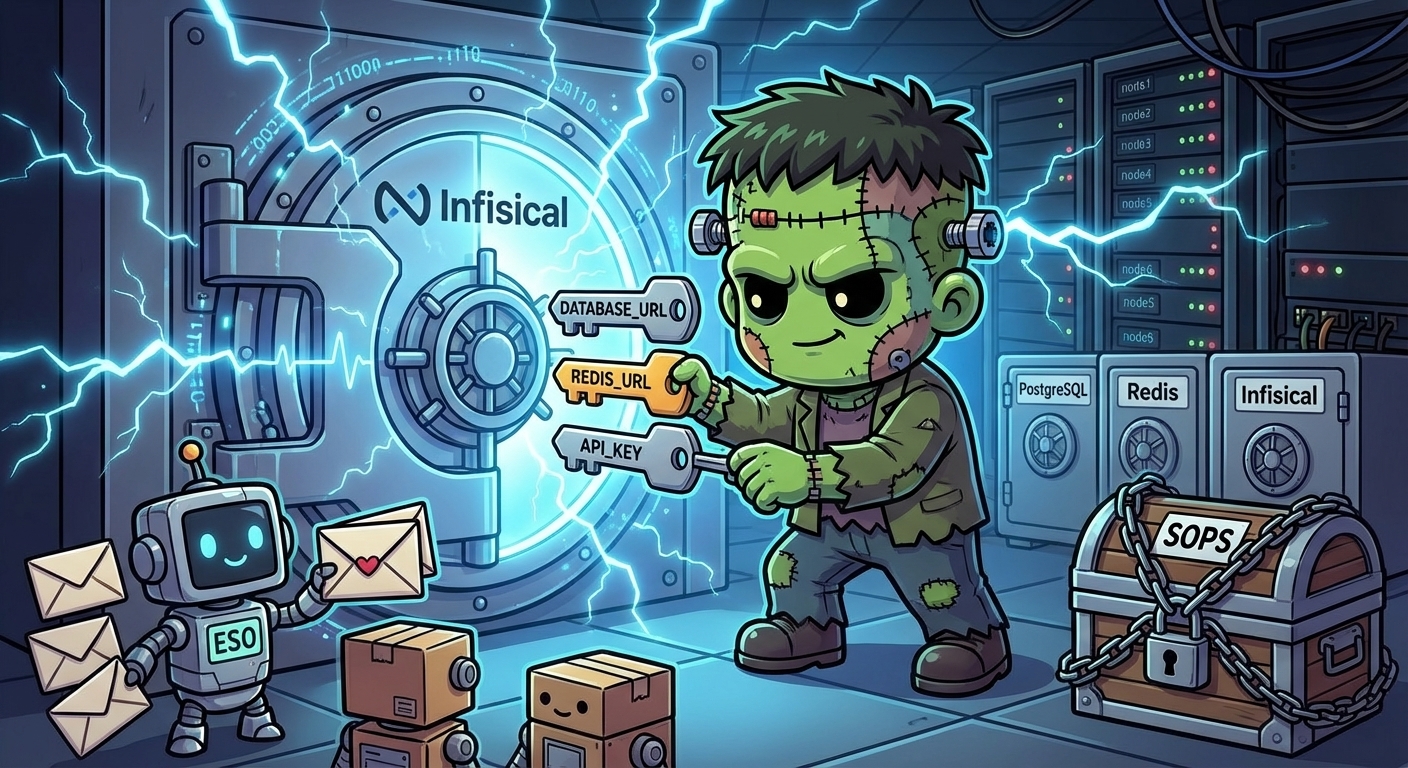
Secrets Management — Infisical + External Secrets Operator
Layer 8 established that SOPS-encrypted secrets cannot live in ArgoCD-managed manifest paths. The fix was to apply them out-of-band with sops --decrypt | kubectl apply -f -. That is a workable pattern for bootstrap secrets — the ones that exist before anything else can run. It is not a workable pattern for runtime secrets consumed by applications.
Layer 9 replaces the runtime half of that story. The goal: secrets live in a versioned, audited store; applications consume them as standard Kubernetes Secrets; no engineer ever touches a plaintext credential.
The Architecture
Two components do the work:
Infisical is a self-hosted secret manager. Secrets live in projects, scoped to environments (dev, staging, prod). Access is controlled per identity. There is an audit log. The self-hosted version is free.
External Secrets Operator (ESO) is a Kubernetes operator that reads from external secret stores and materializes them as native Kubernetes Secrets. It watches ExternalSecret resources. An app declares what it needs; ESO fetches it from Infisical and creates the Secret. The app sees a normal Secret — no SDK, no sidecar.
The wiring is a one-time setup per cluster:
Infisical (192.168.55.204:8080)
  └── frank-cluster project / prod environment
        └── secrets (KEY = value)

ESO ClusterSecretStore "infisical"
  └── authenticates to Infisical via Machine Identity (Universal Auth)

ExternalSecret (per app, per namespace)
  └── references ClusterSecretStore + secret key
        └── ESO materializes → K8s Secret
Applications reference Secrets with secretKeyRef or envFrom — exactly as they would for any other Secret. Infisical is invisible to the app.
Deploying Infisical: Three Apps, Not One
The infisical-standalone chart bundles PostgreSQL and Redis as sub-charts. Deploying it as a single ArgoCD app surfaced three bugs in quick succession.
Bug 1: Duplicate DB_CONNECTION_URI
The chart has two independent conditions that inject DB_CONNECTION_URI as an environment variable on the Infisical pod:
postgresql.enabled: true— the bundled PostgreSQL sub-chart injects ituseExistingPostgresSecret.enabled: true— the external secret injection path also injects it
There is no else branch. If you enable the external secret path while disabling bundled PostgreSQL, both conditions evaluate independently, and the env var appears twice. Kubernetes accepts duplicate env vars without error — but the second value silently wins, and the one that wins is whichever the chart author happened to write last.
ArgoCD’s ServerSideApply=true mode does not help here — it applies the rendered manifest as-is.
The fix: split PostgreSQL into a separate ArgoCD app (infisical-postgresql) using the OCI Bitnami chart. With postgresql.enabled: false in the main infisical app, only the external secret path fires. One DB_CONNECTION_URI.
Bug 2: Redis Password Hardcoded in Chart Logic
The chart builds the REDIS_URL environment variable using a Helm helper that reads .Values.redis.auth.password — a plain Helm value, not a secret reference. The default value is mysecretpassword.
Setting redis.auth.existingSecret has no effect on REDIS_URL construction. The chart simply does not use it in that helper. Result: the Redis pod uses the password from the secret, but the Infisical pod builds its REDIS_URL using the hardcoded Helm value. The connection is refused.
The fix: split Redis into a separate ArgoCD app (infisical-redis) as well. With redis.enabled: false in the main chart, the REDIS_URL env var must come from the infisical-secrets Secret via envFrom. Set it explicitly to match the Redis password.
Bug 3: Bitnami Image Registry
The Bitnami PostgreSQL chart versions available from charts.bitnami.com/bitnami pull images from docker.io/bitnami/postgresql. Recent tags are unavailable in that registry for architecture reasons.
The Infisical chart itself uses mirror.gcr.io/bitnamilegacy/postgresql — a GCR-hosted mirror with better availability. Using the OCI chart source (registry-1.docker.io/bitnamicharts) instead of the HTTP Helm repo, and pinning to the same image registry, resolves the pull failures.
A secondary issue: Bitnami chart versions 16.x and newer include a security validation check that rejects non-default image registry overrides. Staying on postgresql 14.1.10 from the OCI source avoids that check entirely.
The Final Shape
Three ArgoCD apps, all in the infisical namespace:
| App | Chart | Purpose |
|---|---|---|
infisical-postgresql | registry-1.docker.io/bitnamicharts/postgresql:14.1.10 | PostgreSQL, image from mirror.gcr.io/bitnamilegacy |
infisical-redis | registry-1.docker.io/bitnamicharts/redis:18.14.1 | Redis standalone, same image mirror |
infisical | infisical-helm-charts/infisical-standalone:1.7.2 | Infisical app only, both sub-charts disabled |
Bootstrap secrets — the PostgreSQL password, Redis password, and Infisical app env vars — are SOPS-encrypted and applied out-of-band. The pattern is the same as Layer 8: live in secrets/infisical/, never in an ArgoCD-managed manifest path.
Connecting ESO to Infisical
ESO authenticates to Infisical using a Machine Identity with Universal Auth. This is the Infisical equivalent of a service account: create an identity, generate a Client ID + Client Secret pair, grant the identity Viewer access to the project.
The credentials are stored as a SOPS-encrypted Secret in secrets/infisical/eso-credentials.yaml, applied out-of-band to the external-secrets namespace.
The ClusterSecretStore ties it together:
apiVersion: external-secrets.io/v1
kind: ClusterSecretStore
metadata:
  name: infisical
spec:
  provider:
    infisical:
      auth:
        universalAuthCredentials:
          clientId:
            name: infisical-credentials
            namespace: external-secrets
            key: clientId
          clientSecret:
            name: infisical-credentials
            namespace: external-secrets
            key: clientSecret
      hostAPI: http://192.168.55.204:8080/api
      secretsScope:
        projectSlug: frank-cluster-iwpg
        environmentSlug: prod
        secretsPath: /
This is deployed as a raw manifest via a dedicated infisical-extras ArgoCD app, which syncs apps/infisical/manifests/. The ClusterSecretStore is cluster-scoped, so it goes into the external-secrets namespace by convention.
ESO v1 Gotchas
ESO 2.x promoted the API to external-secrets.io/v1 and dropped v1beta1. The schema changed in two places that bit the plan:
ClusterSecretStore credentials: In the old API, clientId and clientSecret were wrapped in a secretRef: key. In v1, they are direct SecretKeySelector objects — name, namespace, key at the same level, no wrapper.
ExternalSecret remoteRef: The old API included a metaData: block under remoteRef for specifying projectSlug, envSlug, and secretPath per-secret. In v1, those fields are gone. The scope is declared once in the ClusterSecretStore.spec.provider.infisical.secretsScope and applies to all ExternalSecrets that reference it.
An app that needs a secret from Infisical declares:
apiVersion: external-secrets.io/v1
kind: ExternalSecret
metadata:
  name: my-app-secrets
spec:
  refreshInterval: 5m
  secretStoreRef:
    name: infisical
    kind: ClusterSecretStore
  target:
    name: my-app-secrets
  data:
    - secretKey: DATABASE_URL
      remoteRef:
        key: DATABASE_URL
ESO fetches DATABASE_URL from the frank-cluster-iwpg project, prod environment, root path — as configured in the ClusterSecretStore — and creates a Kubernetes Secret named my-app-secrets with that value. Refreshed every 5 minutes.
The Project Slug Surprise
The ClusterSecretStore needs a projectSlug to identify the Infisical project. The intuitive value is the project name — frank-cluster. This returns a 404.
Infisical auto-generates a URL-safe slug that differs from the display name. The actual slug for the frank-cluster project is frank-cluster-iwpg. It is visible at Project Settings → General in the UI.
The eso-cluster-reader Machine Identity has Viewer access to the project, but Viewer cannot call the workspace-list API endpoint — so the slug cannot be retrieved programmatically with the same credentials. It has to be read from the UI once and committed to cluster-secret-store.yaml.
The Smoke Test
With the ClusterSecretStore validated (READY=True), the end-to-end test:
- Create
CLUSTER_TEST_KEY = hello-from-infisicalin theprodenvironment - Apply a test
ExternalSecretin a temporary namespace - Wait for sync
kubectl get externalsecret cluster-test -n secrets-test
# NAME           STORETYPE            STORE       REFRESH INTERVAL   STATUS         READY
# cluster-test   ClusterSecretStore   infisical   30s                SecretSynced   True

kubectl get secret cluster-test-secret -n secrets-test \
  -o jsonpath='{.data.testValue}' | base64 -d
# hello-from-infisical
What Changed
Before Layer 9, adding a runtime secret to the cluster meant:
- Write the plaintext value into a YAML file
- Encrypt it with
sops - Commit to git
- Apply manually with
kubectl - Update every consumer’s deployment manifest
Now:
- Add the secret in the Infisical UI (or API)
- Declare an
ExternalSecretin the app’s namespace - ESO syncs it within the
refreshInterval
The audit trail lives in Infisical. Access control is per-identity, per-project. Rotation is a UI operation — ESO picks up the new value on the next refresh cycle without a pod restart or a git commit.
SOPS stays for bootstrap secrets: the credentials that Infisical and ESO themselves need to start. Everything above that layer moves to Infisical.
References
- Infisical Documentation — self-hosted setup, Machine Identities, Universal Auth
- External Secrets Operator Documentation — ClusterSecretStore, ExternalSecret v1 API
- ESO Infisical Provider — provider-specific configuration
- Bitnami OCI Charts —
postgresql,redis - SOPS Documentation — age encryption for bootstrap secrets