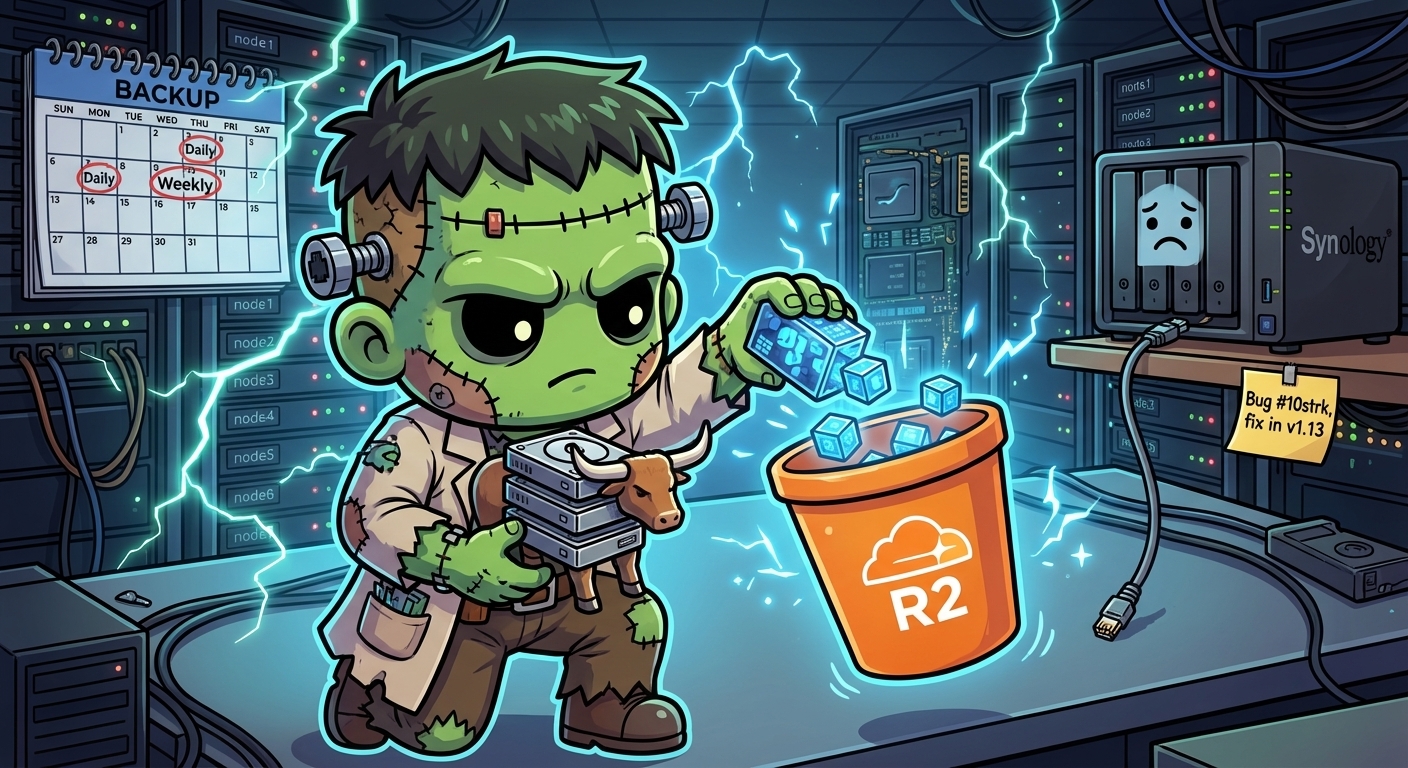
Backup — Longhorn to Cloudflare R2
A Kubernetes cluster without backups is a disaster waiting to happen. But the scope of the disaster depends on what you actually have in source control.
Frank, the Talos Cluster, is fully GitOps-managed. Every Kubernetes resource is committed to the repo and applied by ArgoCD. If the cluster evaporates tonight, ArgoCD restores every Deployment, Service, ConfigMap, and StorageClass in under ten minutes. The one thing it cannot restore is the contents of PersistentVolumes: the VictoriaMetrics time-series, Grafana dashboards, application state.
Layer 8 protects that data. The implementation turned out to be more interesting than planned, with three Longhorn 1.11 bugs and limitations found along the way.
Why Not Velero?
The default answer to “Kubernetes backup” is Velero. It backs up Kubernetes API objects and PVC data, handles restores, and has broad ecosystem support. For clusters where workload configuration is not in source control, it is genuinely the right tool.
For Frank, the value proposition does not hold. Velero’s job overlaps almost entirely with what git and ArgoCD already provide. That leaves only PVC data backup — which Longhorn handles natively, with a richer snapshot model, first-class UI, and no extra control-plane components to maintain.
No Velero. Longhorn does the work.
The Backup Architecture
Longhorn uses two CRDs for backup configuration:
BackupTarget— defines where backups are stored (NFS or S3-compatible endpoint)RecurringJob— defines a schedule and applies it to a group of volumes
Both live in longhorn-system and are picked up by the existing longhorn-extras ArgoCD Application, which syncs everything in apps/longhorn/manifests/. No new ArgoCD app needed.
The original plan was dual-target: a local NAS (NFS) for fast daily restores, and Cloudflare R2 for offsite weekly backups. Execution surfaced three Longhorn 1.11 limitations that changed the final shape.
Gotcha 1: SOPS Secrets Cannot Live in a Raw Manifest Path
The R2 API credentials need to be stored as a Kubernetes Secret. The repo uses SOPS/age encryption — any file matching *.yaml has its data and stringData fields encrypted at rest.
The natural instinct is to drop r2-secret.yaml into apps/longhorn/manifests/ alongside the other Longhorn CRs. This fails:
failed to create typed patch object (longhorn-system/longhorn-r2-secret; /v1, Kind=Secret):
.sops: field not declared in schema
ArgoCD’s ServerSideApply=true mode strictly validates against the resource schema. The SOPS metadata that gets added to the encrypted file — .sops.creation_rules, .sops.mac, and so on — is not in the Kubernetes Secret schema. Server-side apply rejects it.
The fix: move the encrypted secret outside the ArgoCD-managed path. It lives at secrets/longhorn/r2-secret.yaml — in git, encrypted, but applied manually:
sops --decrypt secrets/longhorn/r2-secret.yaml | kubectl apply -f -The longhorn-extras Application gets ignoreDifferences on the Secret’s /data field so ArgoCD does not fight over the difference between encrypted-in-git and decrypted-in-cluster:
ignoreDifferences:
  - group: ""
    kind: Secret
    name: longhorn-r2-secret
    namespace: longhorn-system
    jsonPointers:
      - /data
The lesson: SOPS-encrypted secrets and ArgoCD ServerSideApply do not mix in a raw manifest path. Encrypted secrets need to be applied out-of-band, or a SOPS decryption plugin (KSOPS) needs to be wired into ArgoCD — a project for Layer 9.
Gotcha 2: RecurringJob Has No backupTargetName Field
The original plan had two RecurringJob CRs: daily-nas pointing at the NAS, weekly-r2 pointing at R2. The manifests included spec.backupTargetName to route each job to its respective target.
ArgoCD rejected both:
failed to create typed patch object (longhorn-system/daily-nas; longhorn.io/v1beta2, Kind=RecurringJob):
.spec.backupTargetName: field not declared in schema
Querying the CRD confirms it:
kubectl get crd recurringjobs.longhorn.io -o json \
| jq '[.spec.versions[] | select(.name=="v1beta2") | .schema.openAPIV3Schema.properties.spec.properties | keys] | flatten'["concurrency", "cron", "groups", "labels", "name", "parameters", "retain", "task"]No backupTargetName. RecurringJobs in Longhorn 1.11 always use the default BackupTarget — there is no per-job target selection. This was filed as GitHub issue #11392 in July 2025 and closed without a resolution or timeline.
The fix: remove backupTargetName from both RecurringJob manifests. Both jobs target default, whatever that points to.
Gotcha 3: NFS Backup Target Is Broken in Longhorn 1.11
With the RecurringJob fix in place, attention shifted to the NFS BackupTarget. The NAS was configured, the NFS export was verified with showmount, permissions were set for the 192.168.55.0/24 subnet. The BackupTarget still showed AVAILABLE: false.
The status condition told the story:
mount.nfs4: remote share not in 'host:dir' formatThe mount command Longhorn’s engine binary generates:
mount -t nfs4 -o nfsvers=4.2,actimeo=1,soft,timeo=300,retry=2
  192.168.50.42/volume1/frank-backup
  /var/lib/longhorn-backupstore-mounts/...
The share argument is 192.168.50.42/volume1/frank-backup. The mount.nfs4 utility requires host:/path format — with a colon separating the server from the path. Longhorn is generating a forward slash instead.
This is a confirmed bug in Longhorn’s NFS backup store driver: it does not produce RFC2224-compliant mount arguments. Filed as GitHub issue #11412 in August 2025. The fix is targeted for Longhorn v1.13.0. There is no backport to the 1.11.x series and no workaround via URL format.
The NAS target is stubbed out in the manifests, ready to re-enable when Longhorn 1.13 ships:
## NFS backup target — disabled pending Longhorn bug fix
## https://github.com/longhorn/longhorn/issues/11412
## Fix is targeted for Longhorn v1.13.0.
#
# apiVersion: longhorn.io/v1beta2
# kind: BackupTarget
# metadata:
#   name: nas
# spec:
#   backupTargetURL: "nfs://192.168.50.42/volume1/frank-backup"
What Actually Got Deployed
Two RecurringJobs, one working BackupTarget, both jobs pointing at R2:
$ kubectl get backuptargets -n longhorn-system
NAME      URL                                 CREDENTIAL           AVAILABLE
default   s3://frank-longhorn-backups@auto/   longhorn-r2-secret   true

$ kubectl get recurringjobs -n longhorn-system
NAME        GROUPS        TASK     CRON        RETAIN   CONCURRENCY
daily-nas   ["default"]   backup   0 2 * * *   7        2
weekly-r2   ["default"]   backup   0 3 * * 0   4        1
daily-nas and weekly-r2 are deliberately kept with their original names — they describe intent, not just current routing. When NAS support lands in Longhorn 1.13, the default target switches back to NAS and a second named R2 target handles the weekly offsite job (once backupTargetName also lands).
$ kubectl get backuptargets -n longhorn-system
NAME      URL                                 CREDENTIAL           LASTBACKUPAT   AVAILABLE   LASTSYNCEDAT
default   s3://frank-longhorn-backups@auto/   longhorn-r2-secret   5m             true        2026-04-20T16:52:11Z

$ kubectl get recurringjobs -n longhorn-system
NAME        GROUPS        TASK     CRON        RETAIN   CONCURRENCY   AGE   LABELS
daily-nas   ["default"]   backup   0 2 * * *   7        2             43d   {}
weekly-r2   ["default"]   backup   0 3 * * 0   4        1             43d   {}
Cloudflare R2: Why It Works Here
R2’s free tier includes 10 GB storage and 1 million Class A operations per month. The cluster’s actual data footprint — VictoriaMetrics time-series, Grafana config, a handful of application PVCs — is a few gigabytes. Monthly cost: zero.
The S3-compatible API with a custom endpoint makes it a drop-in for Longhorn’s S3 backup target. The EU endpoint is specified in the Secret:
AWS_ENDPOINTS: https://<account-id>.eu.r2.cloudflarestorage.comThe BackupTarget URL uses @auto as the region placeholder — Longhorn passes this through to the S3 client, which then uses AWS_ENDPOINTS as the actual endpoint override:
spec:
  backupTargetURL: "s3://frank-longhorn-backups@auto/"
  credentialSecret: "longhorn-r2-secret"
  pollInterval: "5m"
What Is Protected Now
Every volume in the default group (all volumes, unless explicitly excluded) gets:
- Daily backup to R2 at 02:00, retaining 7 recovery points (one week)
- Weekly backup to R2 on Sunday at 03:00, retaining 4 recovery points (one month)
The practical recovery story:
| Scenario | Recovery path | RTO |
|---|---|---|
| Volume corruption | Longhorn UI → restore from latest daily | ~10 min |
| Node failure | Longhorn replicas absorb it, no restore needed | 0 |
| Full cluster loss | ArgoCD re-applies resources, restore PVCs from R2 | ~30–60 min |
| NAS + cluster simultaneous loss | Restore from weekly R2 backup (≤7 day RPO) | ~60 min |
References
- Longhorn Backup Documentation — BackupTarget and RecurringJob CRD reference
- Longhorn issue #11392 — RecurringJob lacks backupTargetName field
- Longhorn issue #11412 — NFS RFC2224 URL parsing bug, targeted for v1.13.0
- Cloudflare R2 Documentation — bucket setup, API tokens, S3 compatibility
- SOPS Documentation — age encryption,
.sops.yamlconfig